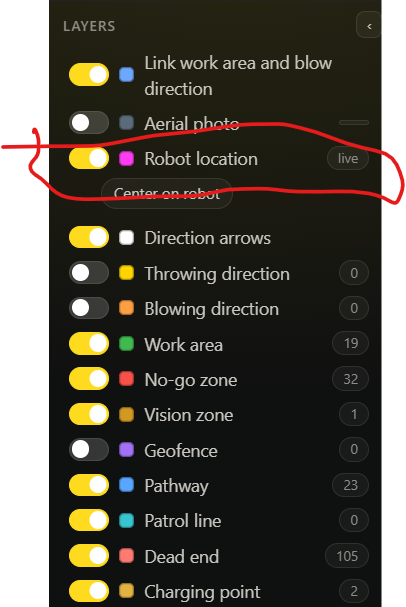
I’m trying to edit the map based on actual Yarbo location. However, the Yarbo doesn’t show up on the Map Edit screen, so I can’t adjust NGZs to real locations. I have to have a second window open with the map open to see the Yarbo location and just guess the approximate location on another screen with the Map Editor open.
It would be nice if we could have the same Yarbo icon (green rectangle) on the Map Editor so we can judge where to place things based on the real-time telemetry from the Yarbo unit.