When I upgraded to Yardstick Anywhere, my zones no longer line up with my map. How can I just move the image to line up with my zones? If you look at the image below, you’re going to see everything is just shifted north.
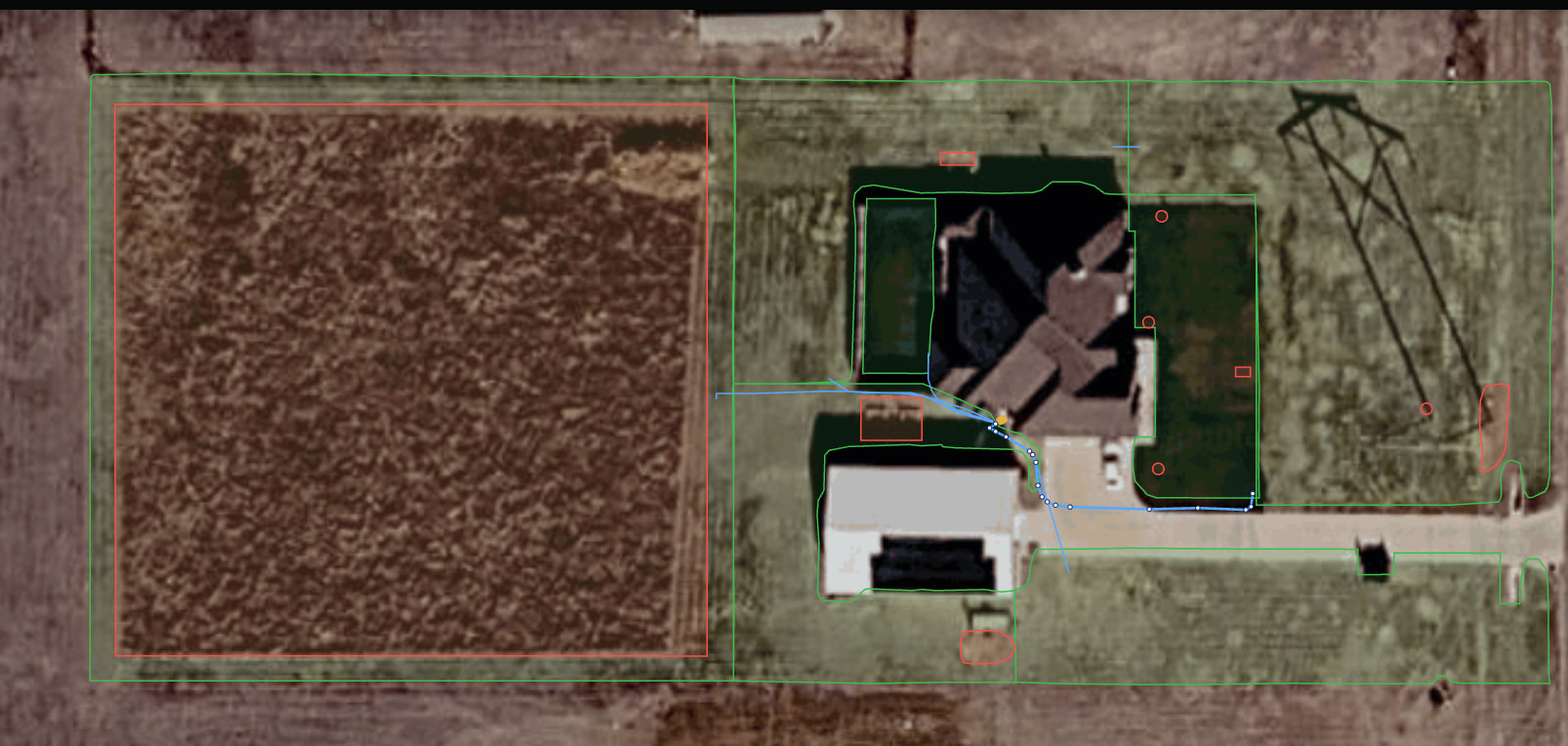
Use the Align Photo button on the bottom bar. You can then drag it or use the arrow keys for small adjustments.

1 Like
Thank you, that worked. And thank you guys for being so patient with me. I’m sure a lot of my posts are basic things but I can’t figure it out.
No Problem. We were all there once 
1 Like