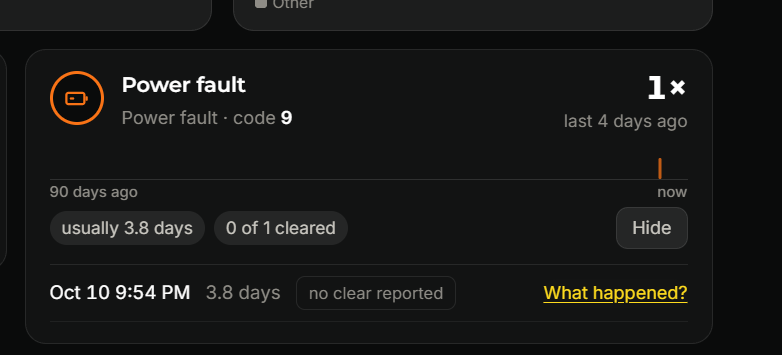
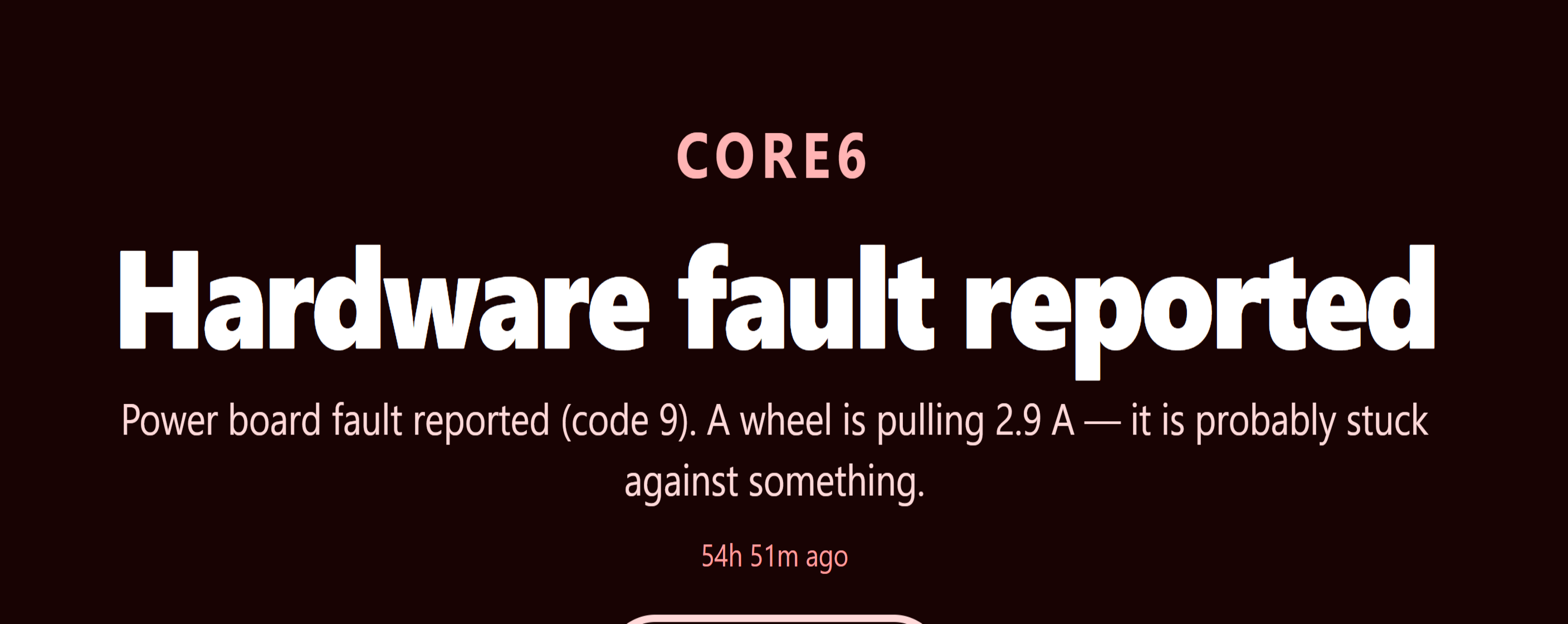
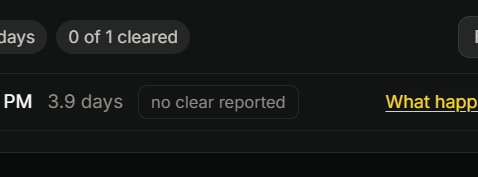
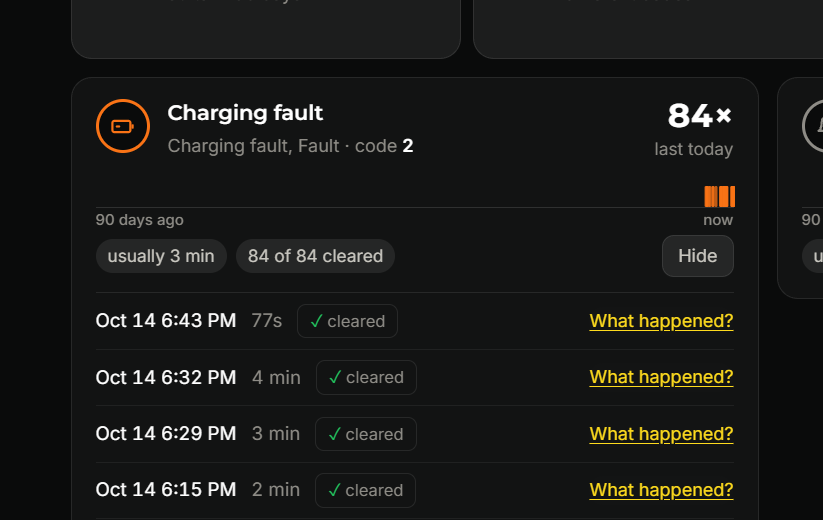
For whatever reason, the fault was never cleared. That leads to two things -
With the “74%” battery issue I’ve got, I routinely get “Charging Failed” errors in the Yarbo App. Fair enough. However, the Wall Display reports them as a stuck wheel / code 9. That’s probably correct, since that’s the highest priority event. But, just in case that’s not intended, a message about charging never appears.
Thanks for the extra detail. Between the core replacements, the 74% battery issue and now a fault that won’t clear, I think your robot has had a run of hardware trouble, and some of what the wall display is showing is likely coming from that. It’s hard to sort out that out in screenshots alone.
Could you open a help desk ticket so we can take this one-on-one? Go to yardstickhome.com/support/help. Then send us your diagnostics from Yardstick:
Go to Settings, then Support.
Under Something wrong?, type your email or the ticket number you get back.
Click Send diagnostics to Yardstick.
That shows us exactly what your robot has been reporting, including the fault that keeps coming back, so we can see what we can do to help.