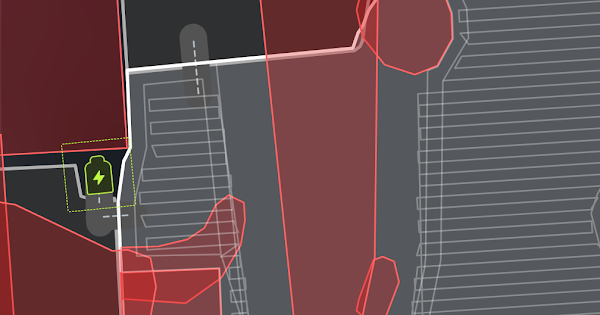
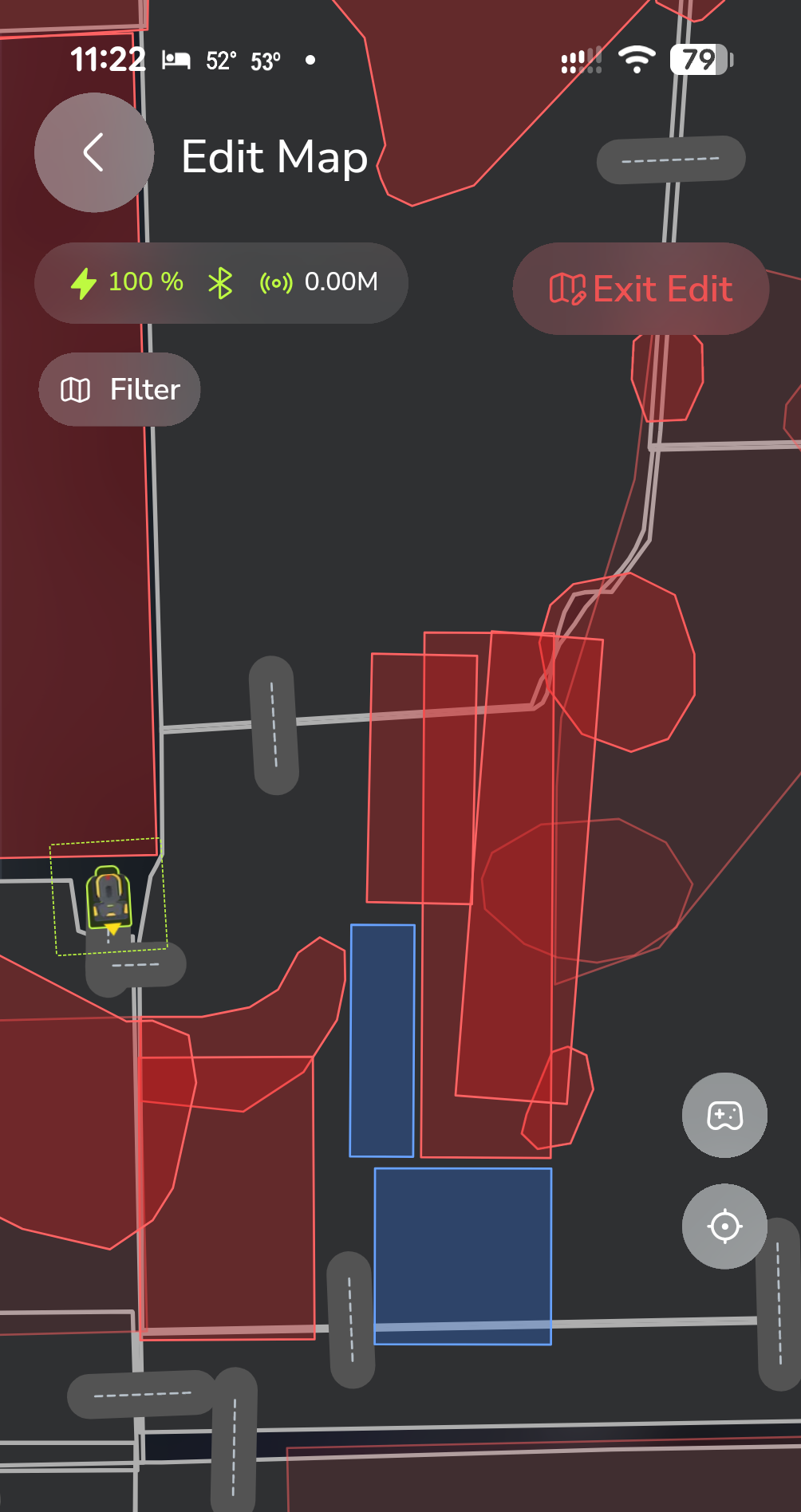
Anyone else notice this? I was getting route calculation failures and couldn’t figure out why. I had combined some NGZs and it almost looks like it’s using the original size of the zone rather than the modified smaller zone:
I noticed this the other day when I ran too but thought it might have just been a weird bug.
I will let others chime in here, but I don’t know that we ever anticipated combining no-go zones. Without knowing what the map looked like before, what does it look like in the Yarbo app right now? Same?
I didn’t actually merge 2 separate zones I just took the corners of 1 to cover the area of multiple. I ended up going back to this just to get the plan to finish.
I think I will defer to someone like @Bryan.Wheeler. What we do in our editor has the EXACT same impact as if you did it the old fashion way so I don’t know what the impact would be of trying this. More of a Yarbo operating issue vs editor capabilities I think.
Did you have the NGZ safety buffers really high and NGZ edge mowing turned on? I also assume that NGZ that has a path planned through it was disabled? It reminds me of the issue with the trimmer trim line. If you have a trim line around a NGZ or an area and you edit one of the two, the trim line doesn’t move with the edit, it stays in place. That’s what the straight mow lines around the old NGZ’s kind of remind me of. I wonder if the app needed to be closed out and reopened. I did notice that if you push edits from Yardstick with the app open that the app still has the old cached state and not the changes. You have to close and reopen for it to pull it fresh from the robot.
Typically have all the safety buffers at 0, disabled the NGZ edge mowing too. What’s really weird is that that was the preview in the Yarbo app so all those NGZs were on. I had been going through 1 by 1 trying to figure out which NGZ wasn’t letting the route calculate and was switching that one on and off recently so maybe some sort of glitch.