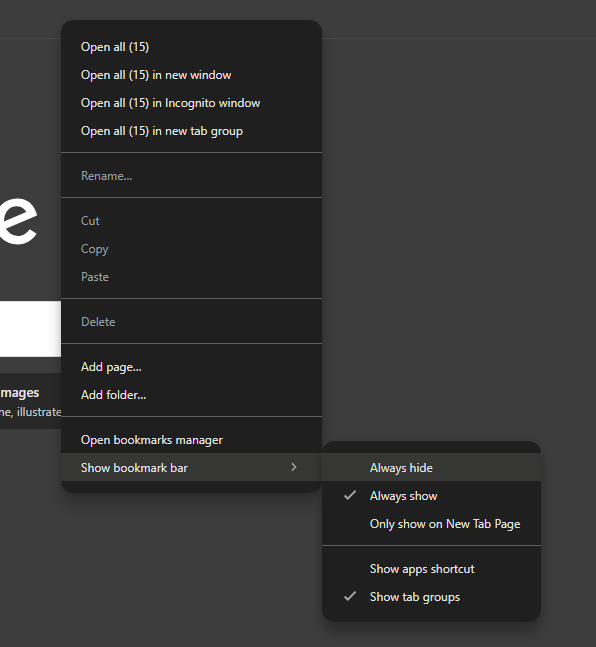
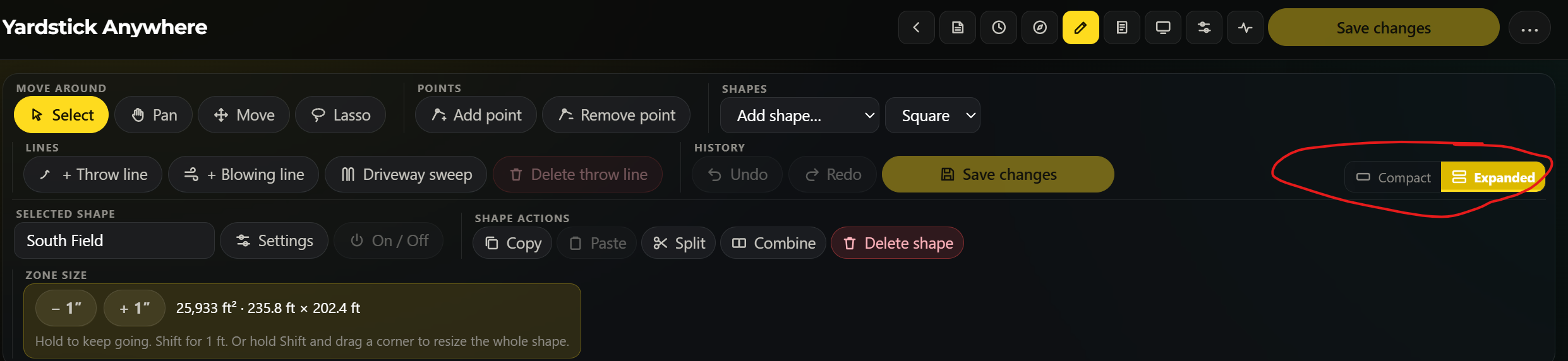
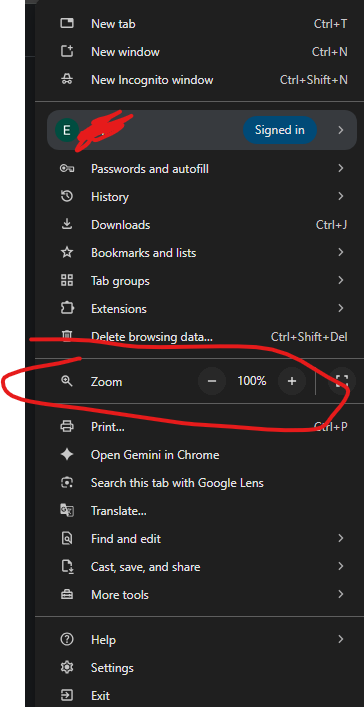
I’m new to yardstick and I’m using the web version (yardstick anywhere) on a Chromebook. Maybe I’m doing something wrong but I find it difficult to edit the map due to the small screen size of the map itself during map editing. It is only maybe 25% of the screen while there is other things taking up the rest. Is there anyway to make the size of the map larger and not just zooming in? This is what it looks like on my Chromebook..
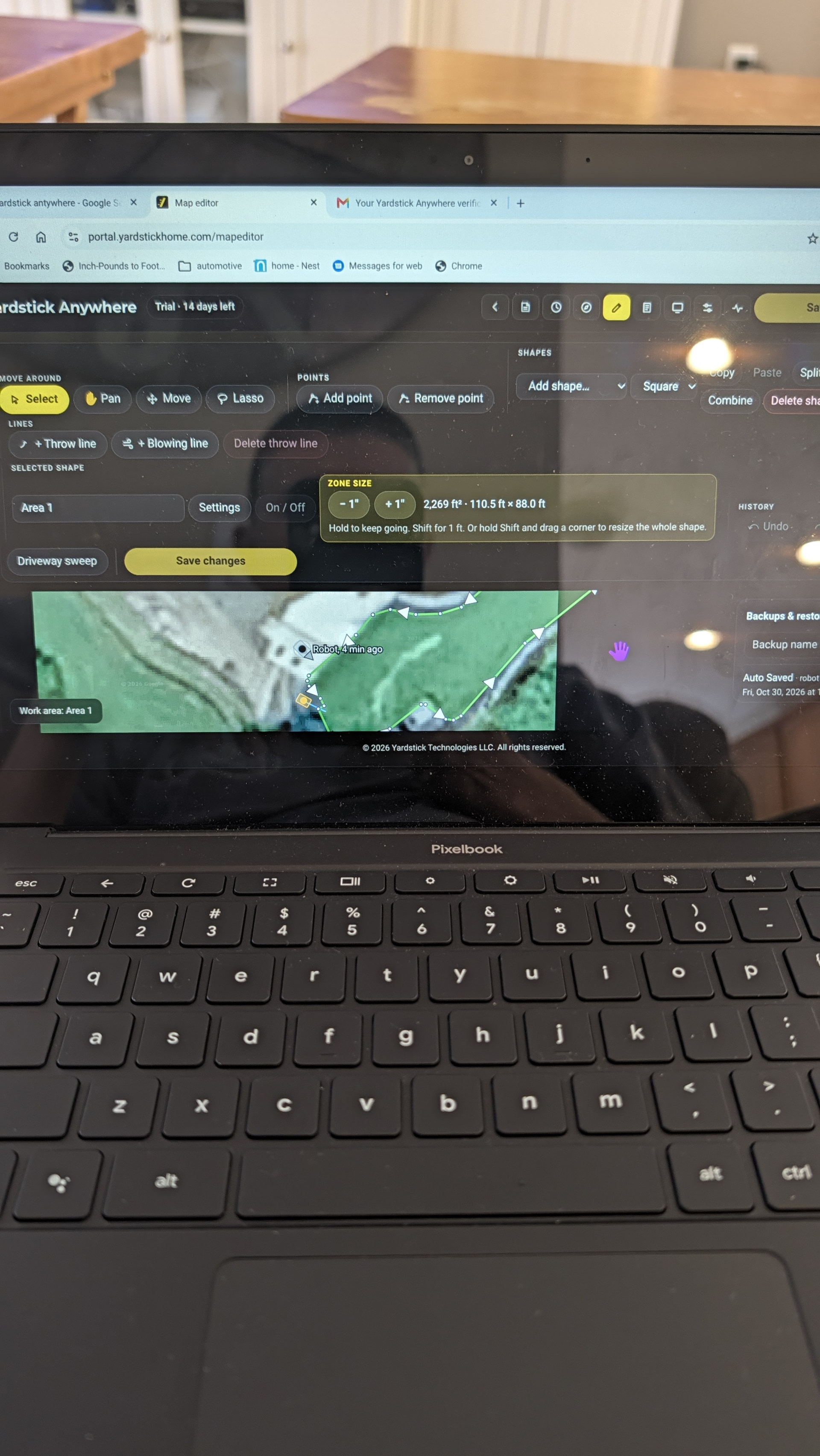
Yeah, I have had this issue too, even on a larger laptop monitor. I think the function controls have grown a lot over the past few feature improvements.
Maybe we need a way to condense the control area so it either folds out/pops over or a selectable minimized/icon only type bar or some combination of the two.
Okay well glad it’s not just me lol… Seems strange to have the map that small when you’re trying to make changes to it and figure things out. I hope they are able to fix this soon otherwise I’m not sure that I can justify the monthly subscription fee.