I am trying to split a peninsula off a zone. I select, then I click on Split, I place two dots one on each side of the peninsula, it CLEARLY is splitting the peninsula off the current area but the CUT option does not light up and the RED MESSAGE that I get says "That line only clips a corner. Draw it across the ZONE. I have put the dots outside the area - I have done everything that i can think of and it simply will not split. What am I doing wrong?
Can you post a picture of the map and show what you are seeing.
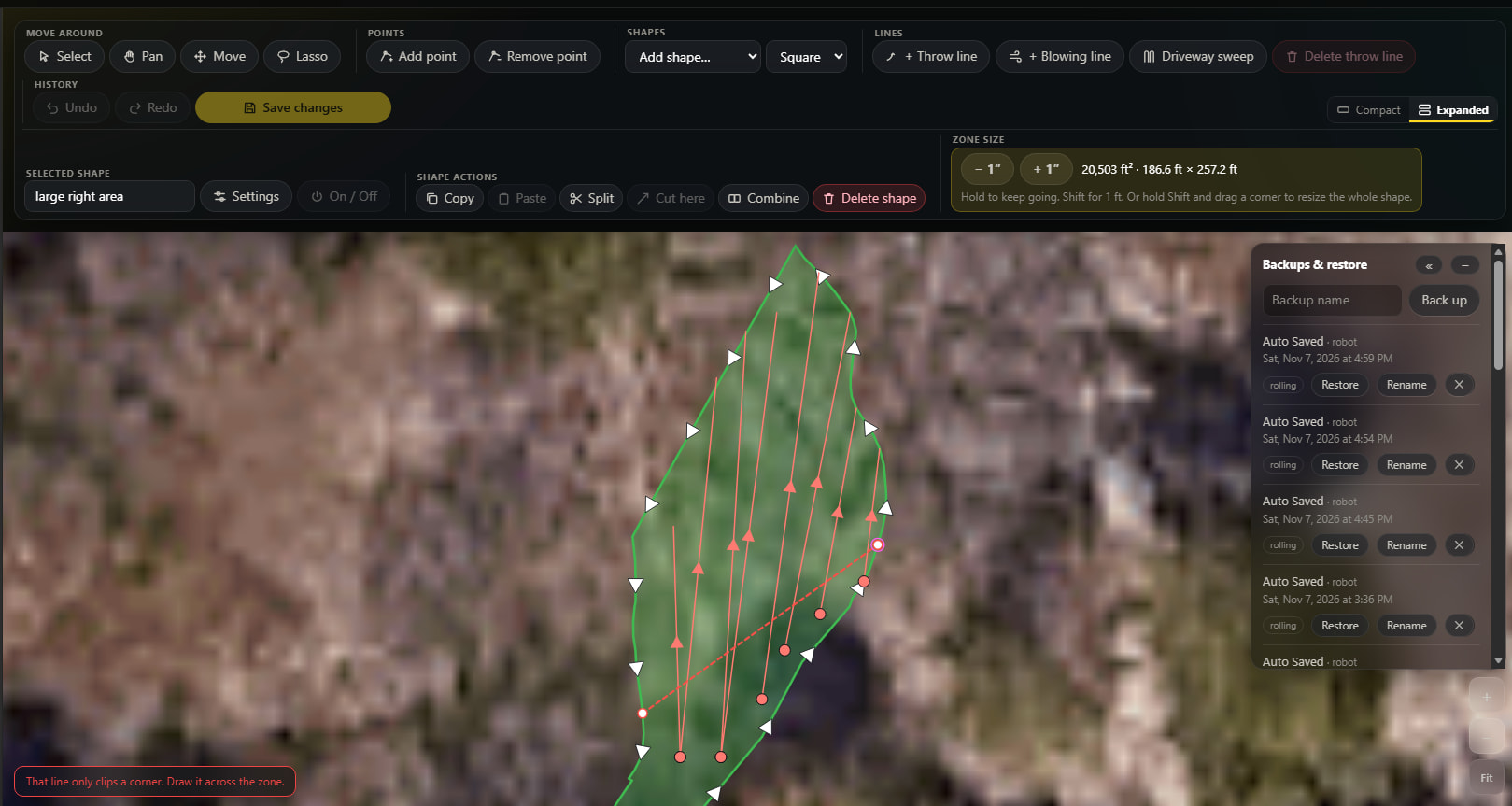
Here is the masterpiece.
I have put the dots outside the zone/area. I have put them in many other places. No matter what I do the CUT HERE button does not light up. and the RED message does not go away.
Here is another effort:
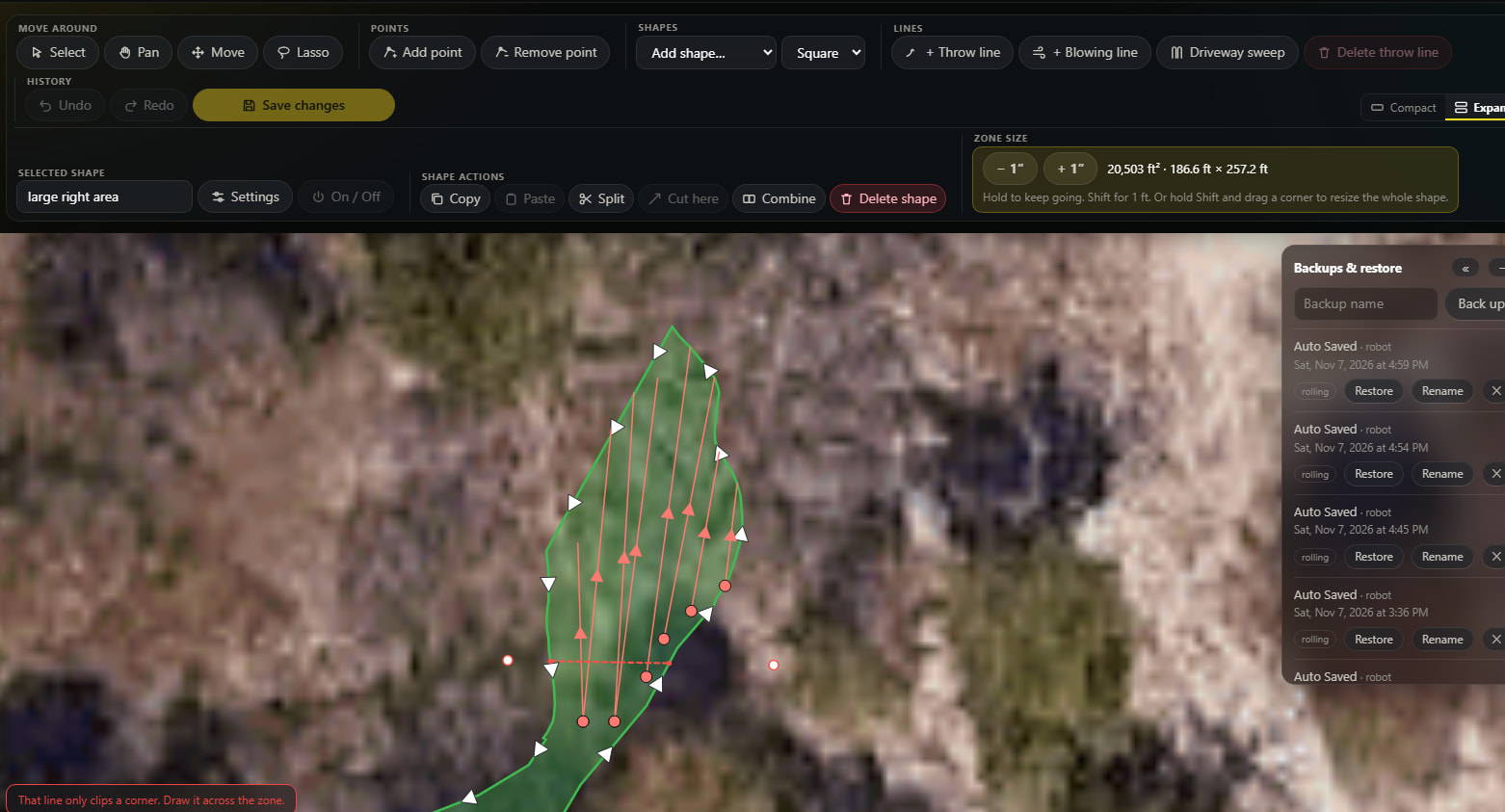
I don’t think you can split a zone like that. When you get the red dashed line, that usually means there are unsaved splits or some other conflict that is not going to allow you to split it that way. I suspect it has something to do with the no-go zones that you have. I’ll defer to others on here who are much better map editors than we are.
There are only two no go zones in the entire area. And they are no where near where I need to split?
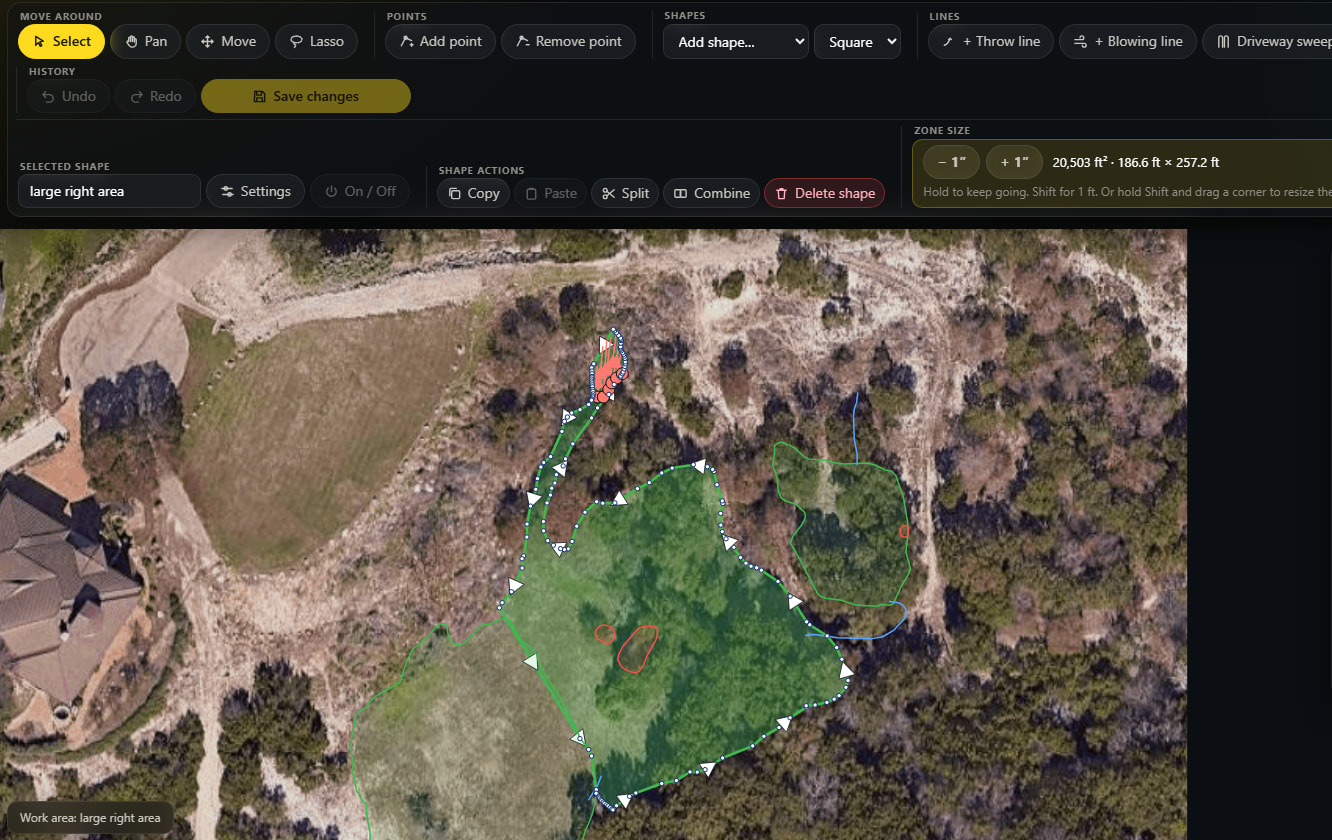
I appreciate your trying - this would really help me to not have to remap this entire zone.
As a follow-up on this - the smaller zone to the right of the one I am trying to split immediately changes colors to two different colors when I split and mark it and the CHUT HERE button enables. So, there is SOMETHING wrong with this zone. It just would help me to know if it is fixable or not.
Sorry, my apologies, I meant to say dead ends, not NGZ.
I played with my map for 20 minutes trying duplicate what you’re seeing and can’t. I don’t have peninsulas quite like yours. What happens if you try splitting it down in the wider lower section?
NOTHING lets me do it in this zone/area - no where can I do it - at all period end of story. I can easily do it in other sections. Perhaps I need to remove all the Dead Ends and then try and split it and THEN put them back in? BUT - I cannot split this even trying to do it near the bottom of the zone.
When you do the split, do you hit the Enter key after you’ve done the split?
Yes - but remember the error message that says I have only clipped a corner. Draw it across the zone:

Are you on the Anywhere Subscription or Local install? If you are on the Anywhere Subscription, we can do a remote session with you in our cloud system and maybe give you some help.
I am local - but don’t they have a trial of the anywhere version and you can roll back to your local version?
Bill
No. You can not go back and forth.
I would suggest what @CobraDunn did, move the split back from the dead ends some.
I tried - I cannot split that area ANYWHERE -
Bill
Sorry we missed you. We sent you an IM about 20 min ago but I am unplugging for the night and I assume you did the same.
I am sure we can help you out, reply to the IM and we will try to do a remote session with you to help out.
I went to bed early last night. Wow - this is amazing! I would REALLY love to do this.
I tried splitting through DEs, NGZs and everything I could think of. All worked as expected. It must be something specific to that area.
It is fixed. Mike fixed it! YEA! The BEST support ever.
Thanks for all your help and interest - it is VERY much appreciated.
1 Like
So what ended up being the problem?
Just in case others in the future run into the same situation.
2 Likes
When the map was initially drawn, it ended up having a micro area with a nearly X-shaped / the zigzag pattern on steroids. It was only a few inches wide and very hard to see. Once that was cleaned up, it could see a clean shape and create the split.
3 Likes