Yardstick 1.2.23 is here: delay a plan for later, and Yardstick in 17 languages. Open Settings and press Check for updates, or if you are new, download it fresh for Windows, Mac or Linux, including the Raspberry Pi.
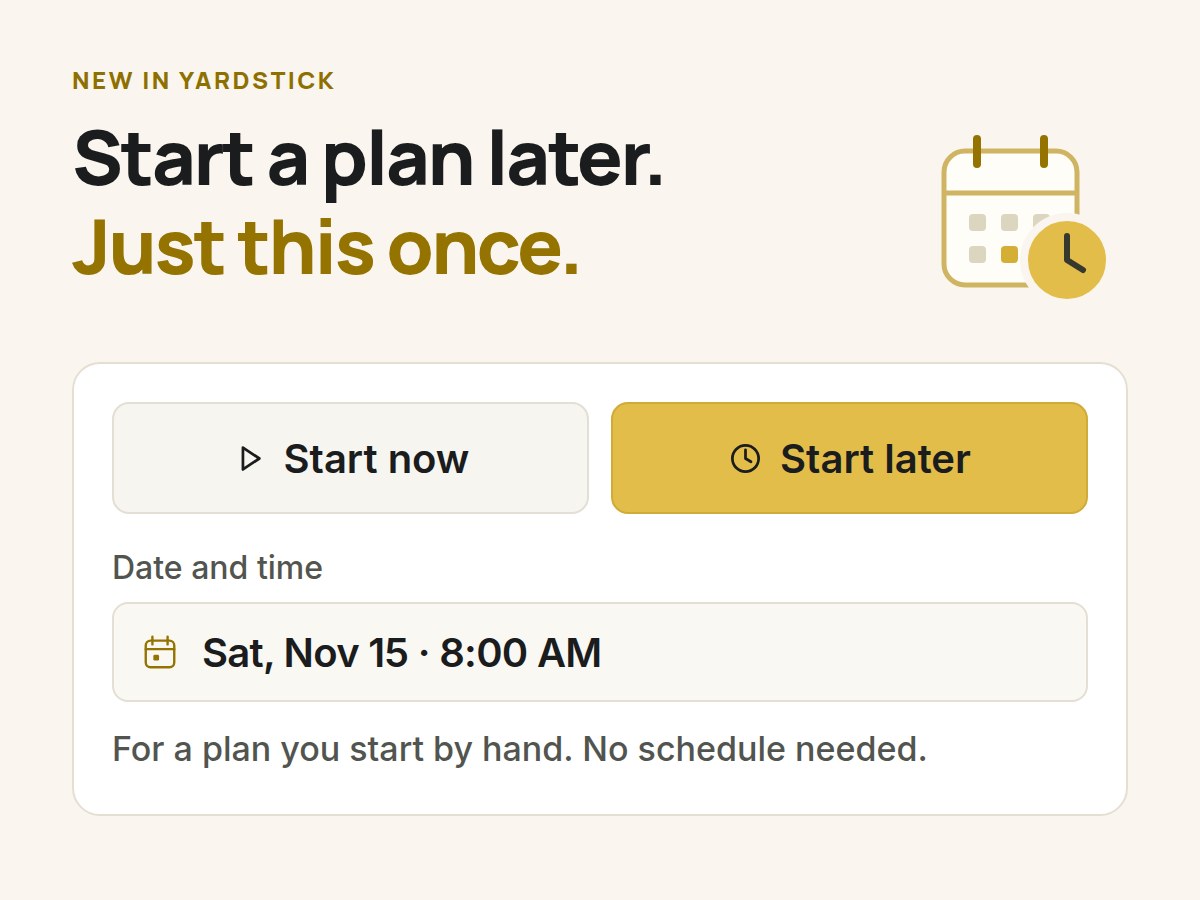
Delay a plan for later. When you start a plan by hand, you can now choose Start later and pick a date and time up to a week ahead, and Yarbo runs it once. Press Start on the Plans page, in Quick run on the map or in the route preview, then choose Start later. Change or cancel it from the map, Plans or the Schedule. This complements the advanced scheduling system. How it works with quiet hours, weather rules and your programs is in the Start a plan later guide.
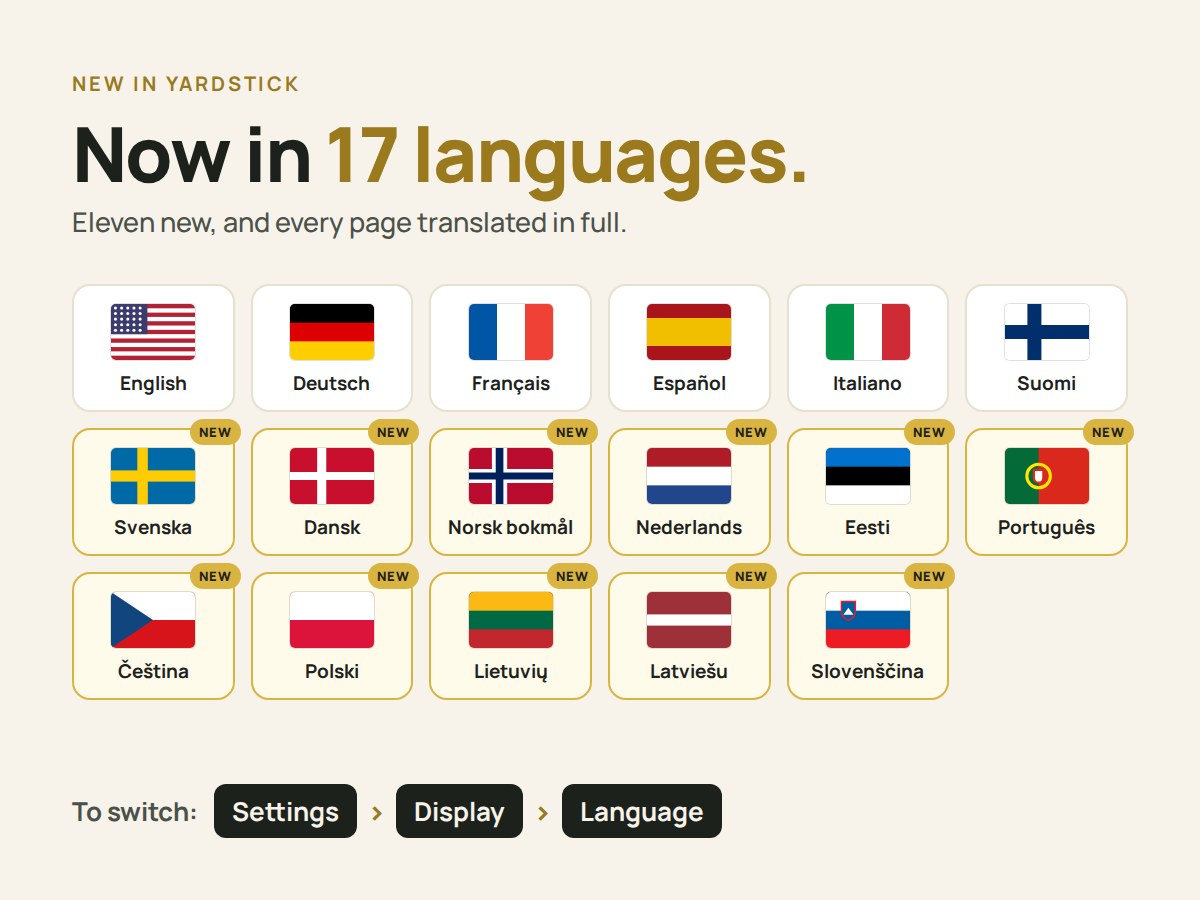
Yardstick in 17 languages. Swedish, Danish, Norwegian, Dutch, Estonian, Portuguese, Czech, Polish, Lithuanian, Latvian and Slovenian join English, German, French, Spanish, Italian and Finnish, each translated in full and reviewed. Every page, alert and email is in the language you choose. Choose yours in Settings, under Display, then Language.
New in this release:
- Patrol lines in plans. Your SAM patrol lines now have their own group on the Plans page, beside work areas, dead ends and sidewalks, so a plan can patrol them in the order you choose.
- Rain sends the mower home too, if you want it. The rain watch, which sends the robot home when your own Tempest or Weather Underground station reports rain, now has a switch for the mower beside the one for the leaf blower, under Settings, Weather. The mower’s is off unless you turn it on.
- A Help button in the menu. The last button in the menu along the top, Help, opens the Yardstick support site in a new tab: the guides, and where you open a help desk ticket.
Improved:
- Three map colors for what the robot ran into. Under Color the map by, obstacles are now broken out by sensor: Ultrasonic detections, Vision detections and Bumper hits, each shaded darker where it happened more often.
- The route preview shows the no-go zones that apply. A no-go zone switched off in the Yarbo app is no longer drawn in the plan preview. Show all no-go zones, beside the legend, brings the switched-off ones back.
- Color the map by is in alphabetical order in your language, and RTK quality is still where the map opens.
- Room for longer words, and Quick run folds. Buttons and counters make room for longer words, and the Quick run card on the map folds to its heading like the other cards and remembers it.
- Pictures and sounds load once instead of every time. The wall’s weather radar, the home-screen icon, your alarm sound and the fonts are kept by your browser, so pages and the wall display load faster.
Fixed:
- In limited circumstances, patrol lines drawn in Yardstick did not show in the Yarbo app. They worked on most maps. A new patrol line is now always the SAM’s, and any patrol lines the Yarbo app cannot see are named when the Map editor opens, with Make them patrol lines to fix them.
- A restore no longer refuses a full robot resting on its dock. On Yarbo’s newer firmware, and on the Y40P, a robot with a full battery stops reporting that it is charging, even on its dock. Yardstick now also counts it as docked when it is still and within 5 m of a charger on its own map.
- In an extremely limited circumstance, the live robot dot could sit away from the robot on new ground. It took a brand-new recording history, and we have seen it only once. The map’s reference point is now set once and kept.
- In certain circumstances, the Plans page showed a finished job as running. Both the map and Plans now go by whether a job is actually open.
- In very limited circumstances, Work Preferences would not open. On a very few robots the page said it could not read the robot’s Work Preferences. It now reads them, and saving a change works as before.
- The Map editor shows Yarbo’s real map after a save it could not confirm. Edits still waiting are set aside and listed, so they cannot undo a change Yarbo kept, and areas made by Split and Combine carry their own size.
- The path draws all the way home, and Lights after dark stays on while Yarbo heads home. On Yarbo’s newest firmware, Yardstick now keeps Yarbo’s updates coming until it is on its dock.
The full list is on the What’s new page. Thanks to everyone who reported these on the forum and in the beta group.